280z
Community Member
-
Joined
-
Last visited
Everything posted by 280z
-
 dude im trippin out, can you put something next to it so i ahve an idea about the actual size. i thought it was a real car the first time i saw it.
 -
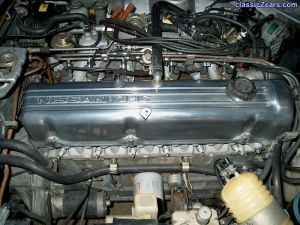 hours of sanding but well worth it
 -
-
dude contra loma sucks, no one will travel to ANTIOCH, (the most boring city in the world) to have a meet. i think we should meet at a beach or something
-
i dont think they are painted, ill just try scrubbing and see what happens
-
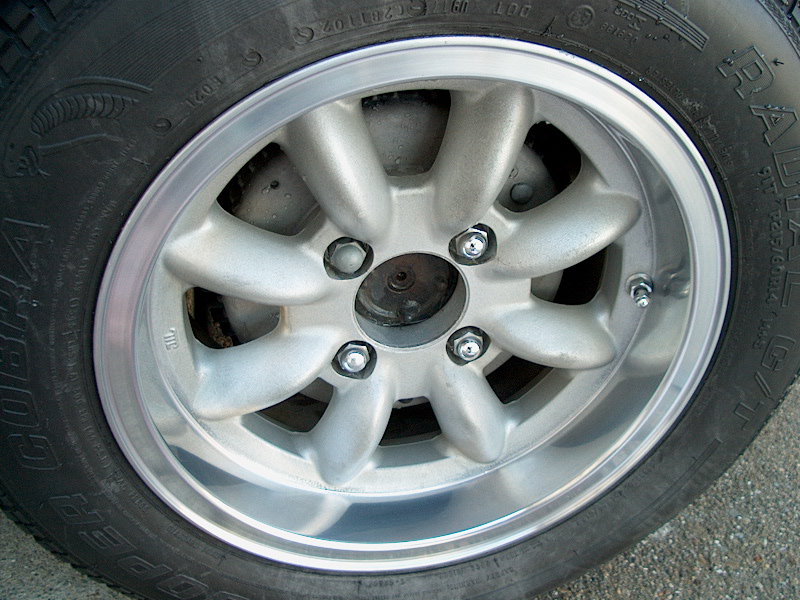
thank you ben! i still need to find a way to clean the spokes, you can tell in the 2nd picture how they get dirt and grease stuck to them. the polisher wouldn't really clean it because the spokes arent smooth like the outer edges of the wheels. there kinda ruff making it hard to clean. what do you reccommend?
-
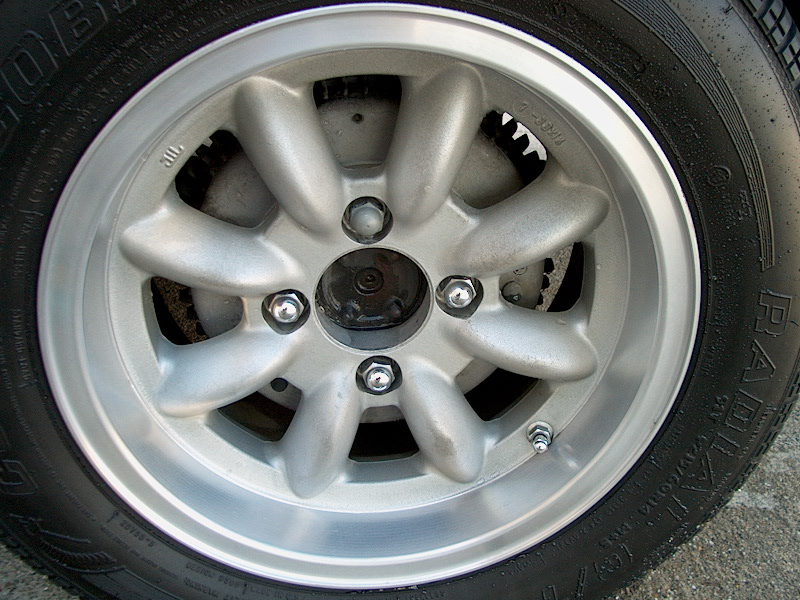
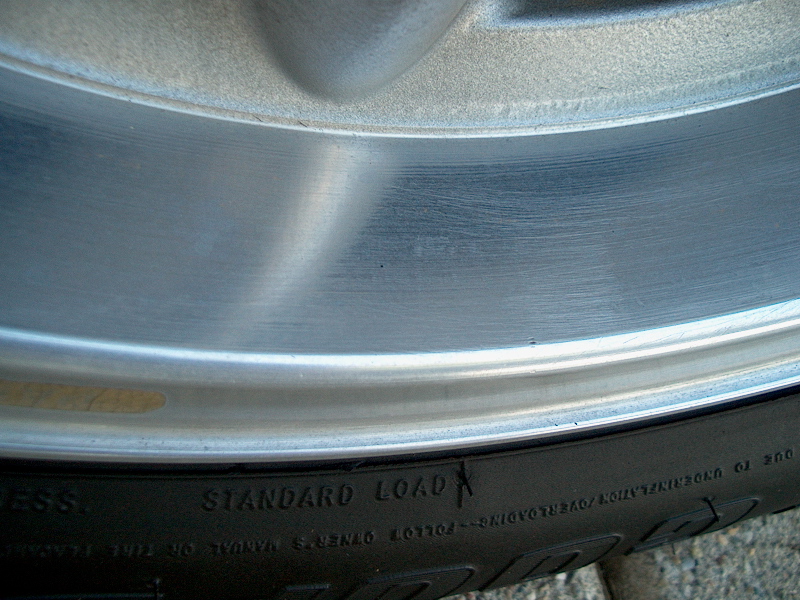
and after. there still not perfect but i couldnt believe it after i was finished, i never thought they could look like that.
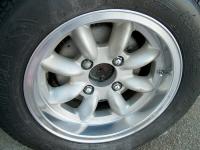
-
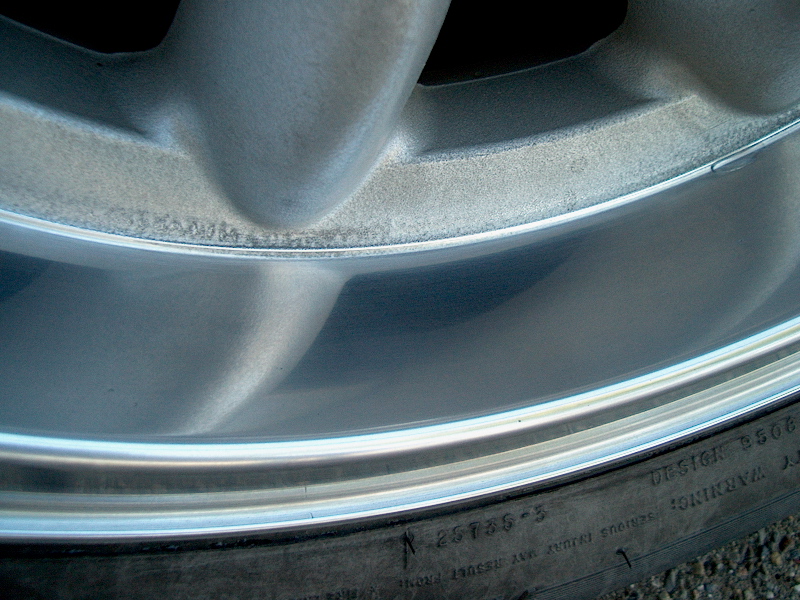
before
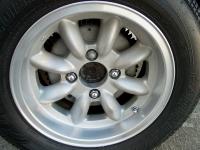
-
after
-
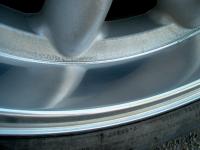
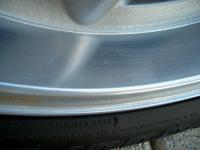
ok i didnt read every post on this thread but this is my story. i took bens advice, i went 220, 320, 400, 600, 2000. i couldnt find 1000 or 1500 but i woulda done that too if i had them. i finished it off with a chrome polish called neverdull. it worked superb! here are a couple before and after pictures. this first one is a before
-
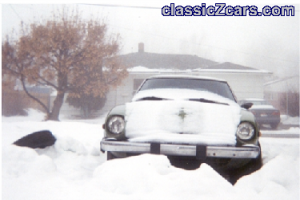 that is awesome!! i wish that happened here in california.
 -
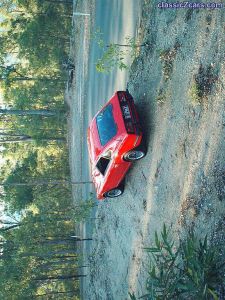 awesome, almost broke my head tilting it but still cool, you must have an hp camera! mine names the photographs like that too
 -
 do you have a short brother named dexter who has his own secret lab in your house?
 -
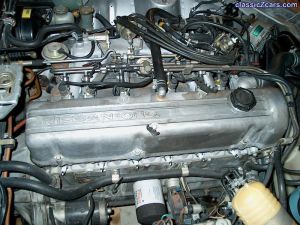
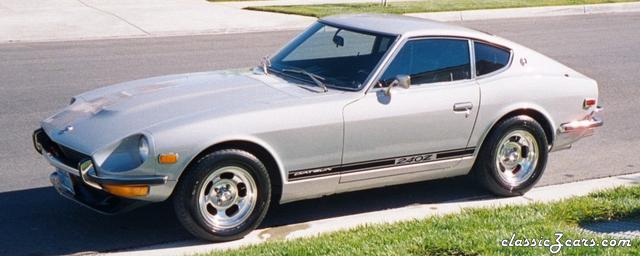
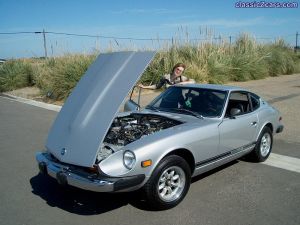 yeah its a 75 280, thanks for all the compliments guys!
 -
thats the missus, i never finished the polishing, i got strept throat and was stuck indoors for a few days but now its going away so ill get it done before i have to get back to school.
-
-
-
-
i uploaded a few pictures, sorry ben but no fairladys i put them in the 2004 section but i think that you can look at them if you click on view my gallery. ill try in the morning after they have been approved.
-
-
-
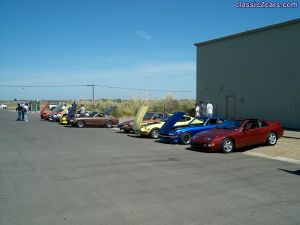
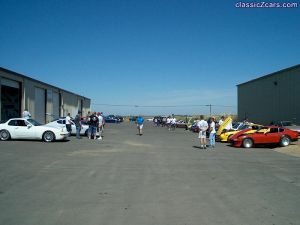 the party slowly started to die as more people decided to leave
 -
-
-