Z-Priv
Community Member
-
Joined
-
Last visited
Everything posted by Z-Priv
-
-
-
-
-
-
-
-
-
thank you mr camo! ended up being around .50mm, just need to get a valve job and carbs tuned to get her back in sync.
-
thanks for the quick response i'll try them.. i have a conversion chart so mms is fine..
-
hello all.. need a little help. anyone know the proper gap for points on a totally stock 71' 240z?
-
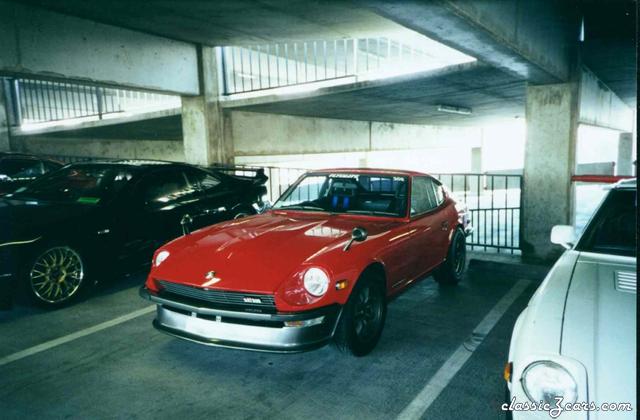 which parking lot is that in? looks kinda like the Tropicana's.
 -
looks liek you got your work cut out for you.. you ought to post these in the photo galleries under paint and body work..
-
This should help you out. if not let me know.. not real busy today.
-
Just so happens i have my digital camera here at the office this morning, i'll go out and snap a picture or two for ya..
-
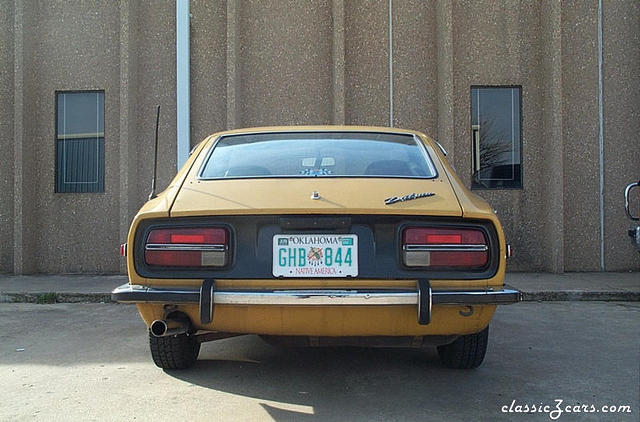
i think i have a shot of mine from the rear.. yes i do, not sure if will serve your purpose but your welcome to it.. 71' 240Z
-
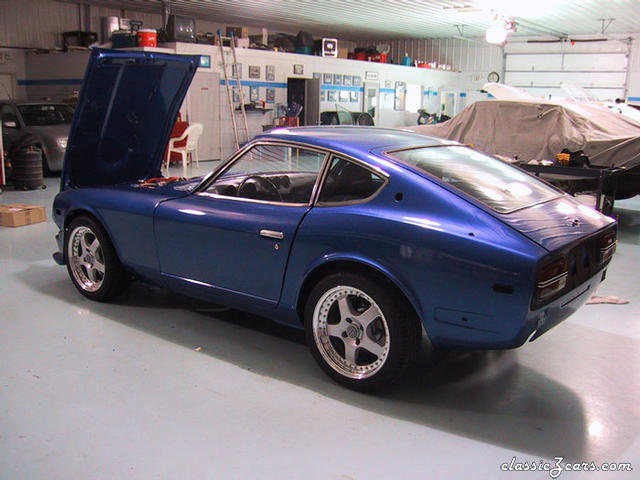
i'm not looking for the super low profile look really.. just a little bigger rim and lower sidewall tire.. like this Z
-
i used the how-to in the fall 2001 issue of sport z magazine.
-
i was gonna say condenser but it looks like i was beat to it. I just finished replacing my whole ignition system, points,rotor,condenser,cap,coil,resistor,plugs and plug wires,battery, battery cables, and ignition switch. all easy fixes. My car starts and runs a lot better i'm guessing everything cost me around 300$,i think. I dont like to keep exact cost numbers..valve adjustment is next..
-
-
-
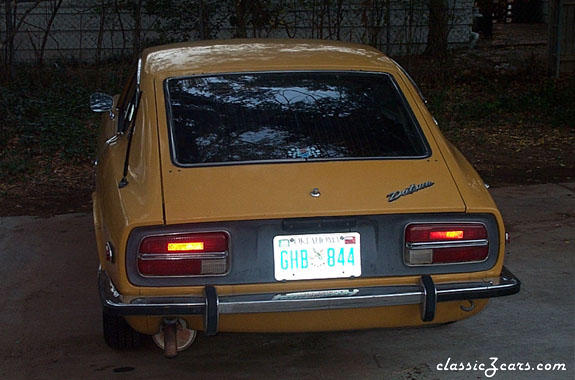 will update photos when improvements are made..
 -
-
-
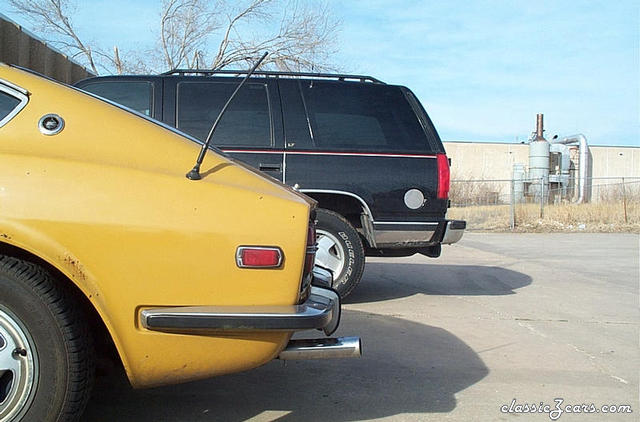
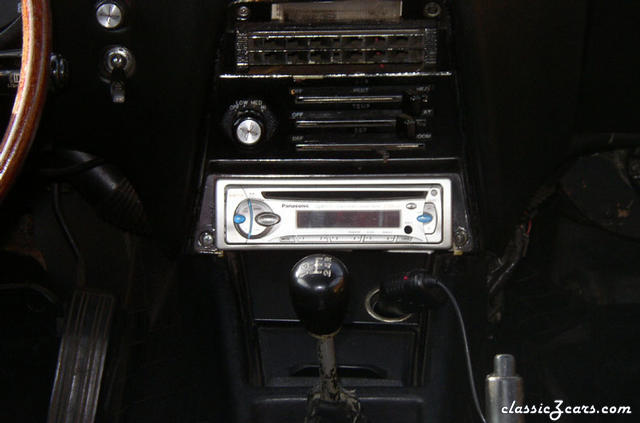
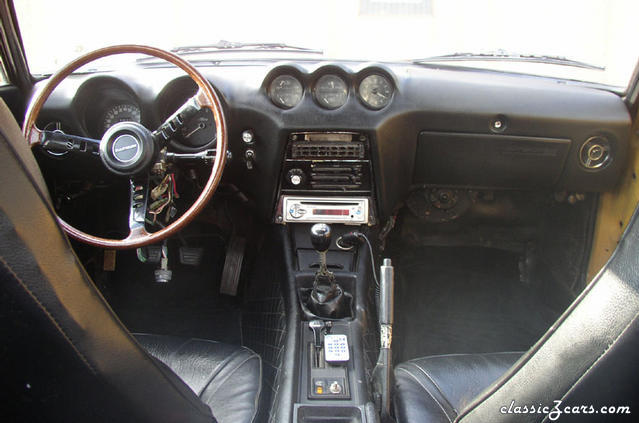
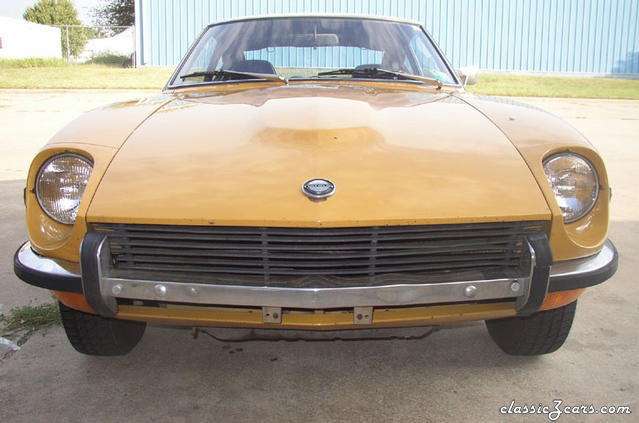
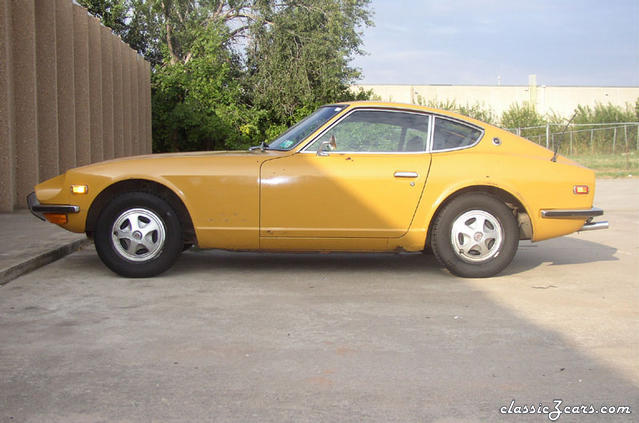
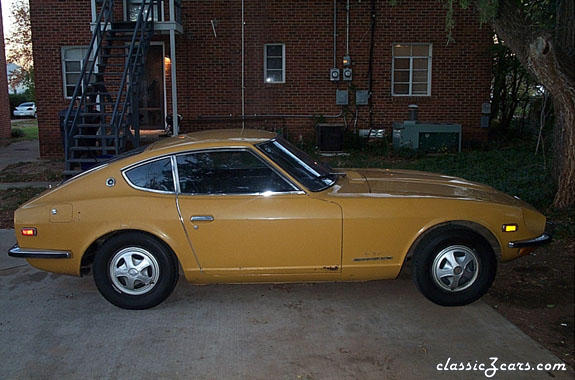
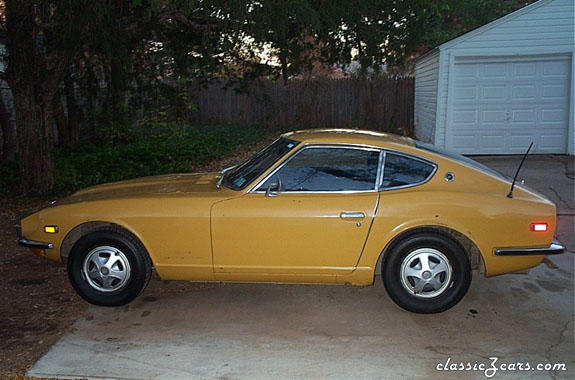
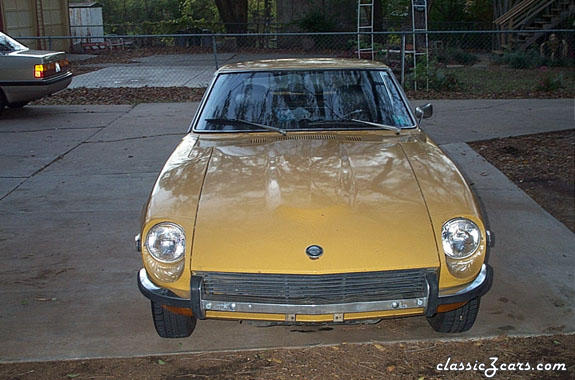
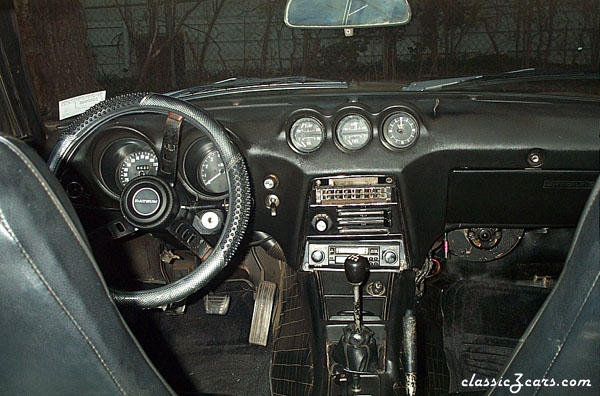 what it looked like when i bought. will update as improvemnets are made. i'm not totally restoring this car right now.